Most real estate flyer templates fail in the same way. They give you a frame, a stock font and a box that says "Your photo here", then leave every decision to you. Twenty minutes later you have a flyer that looks like every other flyer on the table at the open house.
A good real estate flyer template is a layout order, not a decoration. It tells you what goes first, what gets cut and how much white space to leave. This post gives you that order, built from the six blocks a listing flyer needs, plus a fill-in set and a checklist you can run before you print or post.
Decide what the flyer is for
A flyer does one of three jobs, and the job changes the layout.
- Open house table copy. Read in about ten seconds by someone holding a coffee. Needs the address, the price and one strong photo.
- Mailer or door drop. Read at a kitchen counter. Can carry a little more detail and a clear next step.
- Instagram or Facebook share. Seen on a phone, usually as a PDF or image. Needs to survive being small.
Pick one before you open any design tool. If you try to serve all three with the same page, you will end up with small type and too many photos.
If the main place it will be seen is Instagram, a flyer is often the weaker format. A swipeable post does the same job on a phone, and the carousel slide structures cover how to build one. Keep the flyer for print and for the PDF a buyer's agent forwards.
The six blocks, in order
Reading order on a one-page flyer is nearly always the same: eye lands on the image, drops to the headline, then looks for price and contact. Build in that order.
1. One hero photo
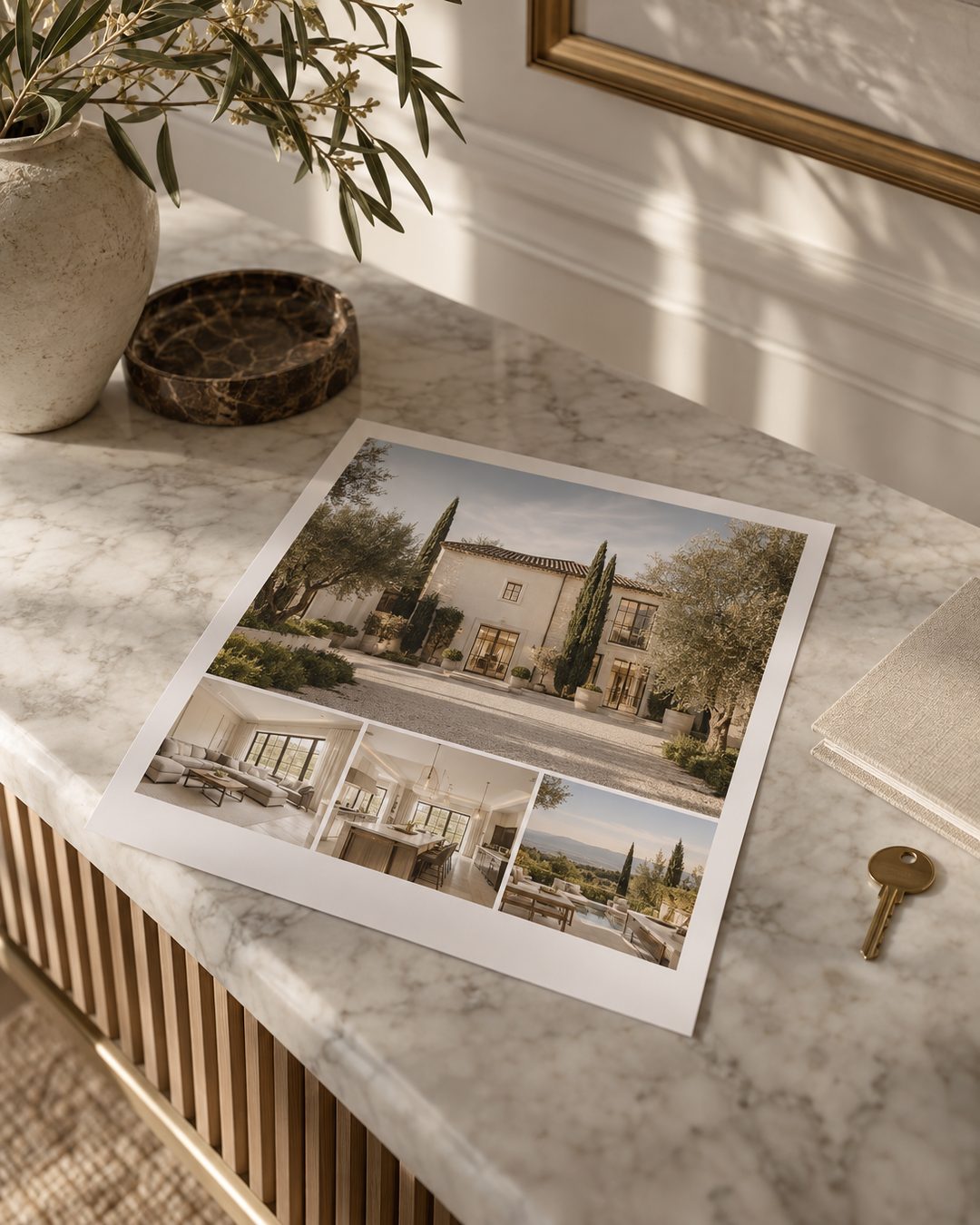
Use the strongest exterior or the best-lit main room, not a collage. One large image at roughly the top 50 to 60 percent of the page does more than six small ones. If the light in the photo is flat, choose a different photo rather than adding a filter.
2. A plain headline
The address or the neighbourhood, set large. Not "Stunning opportunity". A luxury flyer earns trust by being specific and quiet.
3. The numbers row
Price, bedrooms, bathrooms, interior square footage and lot size, on a single line. Keep the same order on every flyer you make so repeat readers learn where to look.
4. Three short feature lines
Three, not ten. Choose what is true of the home and hard to copy: a south-facing terrace, a renovated kitchen with the date, walking distance to the marina. Describe the house and the setting, never the kind of person who should live there.
5. Two supporting photos
One interior and one outdoor or detail shot. Keep the same crop ratio so they sit evenly under the hero.
6. Contact and one action
Your name, phone, brokerage line and a single next step: the open house time, or "Private showings by appointment". One action only. A flyer with three calls to action gets none.
Layout rules that keep it from looking generic
- Margins first. Leave at least half an inch of clear border on print. Cramped edges are the quickest way to look cheap.
- Two typefaces, maximum. One serif for the headline, one clean sans for everything else. If you already have a reel type system, reuse it. The five-font system works on paper as well as on video.
- Two colours plus white. Take them from your brand, not from the template's default palette. The Canva brand setup shows how to lock these in once so every flyer matches.
- Left-align the text. Centred paragraphs look tidy on screen and awkward on paper.
- Cut a feature line before you shrink the type. If it does not fit at a readable size, it was not the best feature.
A fill-in set you can copy
Save this as the text layer of your template and swap the brackets each time.
Headline: [Street address], [Neighbourhood]
Numbers row: $[price] | [beds] bed | [baths] bath | [sq ft] sq ft | [lot size]
Feature 1: [Specific outdoor or view feature, with one detail]
Feature 2: [Recent renovation or system update, with the year]
Feature 3: [Walking or driving distance to one named landmark]
Action line: Open house [day], [time]. Private showings by appointment.
Contact: [Your name], [phone], [brokerage]
If you also post the listing, the caption can reuse the same three features. The just listed caption examples have ten ways to word them for Instagram.
Build it once, reuse it every listing
Set the template up in a single sitting.
- Create a letter-size page, portrait, with your margins set.
- Place a locked hero image frame and two locked supporting frames.
- Set the headline, numbers row and feature lines as styled text boxes with your two fonts.
- Add your contact block and logo in the same corner every time.
- Save it as a master copy and duplicate it for each new listing. Never edit the master.
- Export one PDF for print and one PNG at screen size for sharing.
The whole build should take about an hour. After that, a new flyer is a photo swap and seven lines of text, which is closer to ten minutes.
Check before you print or post
- Is the address, price and spelling correct against the listing sheet?
- Is the hero photo sharp at full size, not just on your screen?
- Does every feature line describe the home or its setting, not a type of buyer?
- Is there exactly one action?
- Does your brokerage line and licence information match what your brokerage requires on marketing?
- Can you read the numbers row from arm's length?
A flyer that passes those six checks will look considered even in a plain layout, and that is the point. Restraint is what reads as luxury.
A flyer is one asset in a week of listing content, and the weekly drop on the membership page is built so the post, story and caption for that listing already match the page you hand out.