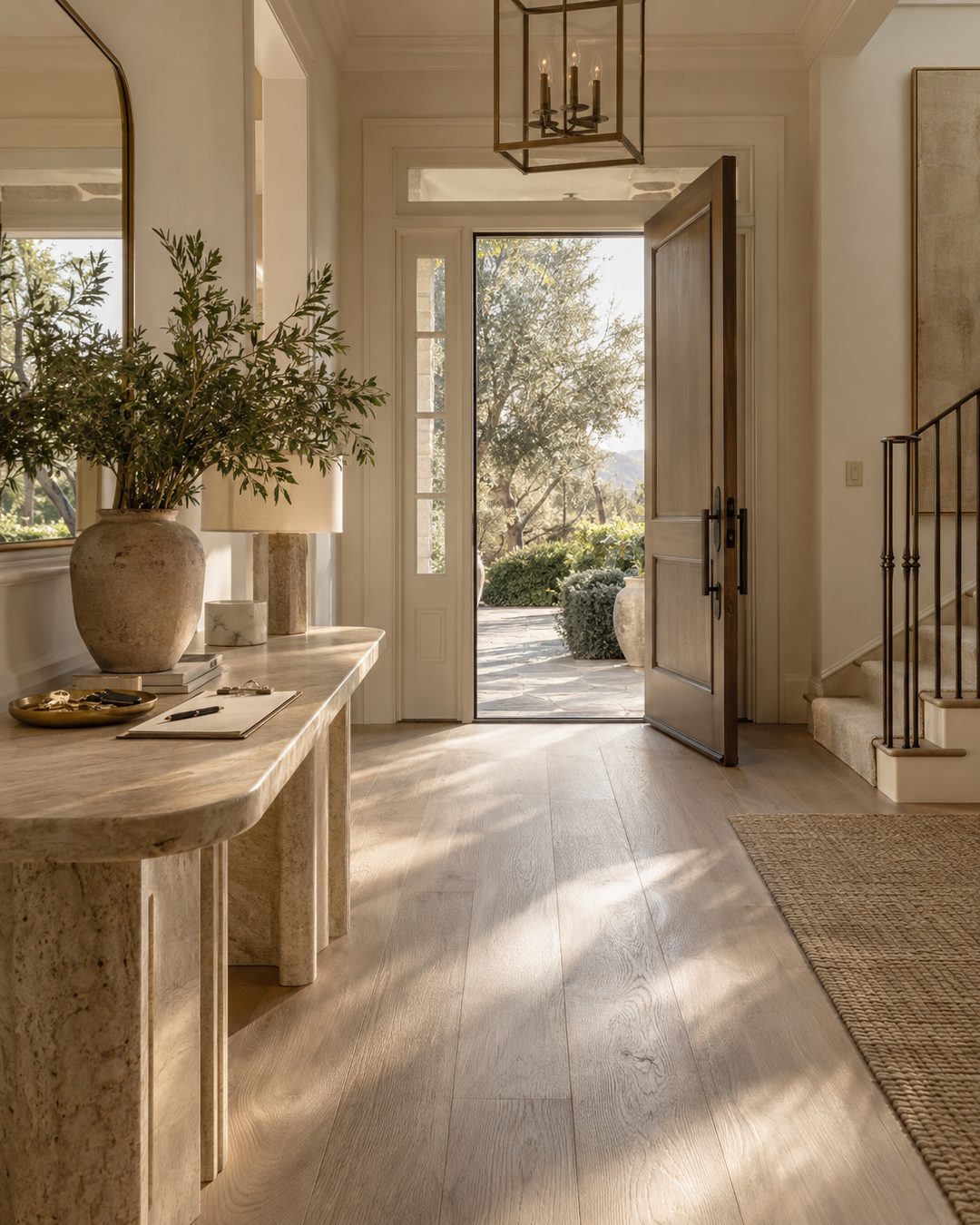
It is 9:40 on a Tuesday, the listing goes live Thursday, and I am scrolling the audio tab trying to find something that does not make a waterfront house sound like a car dealership ad. That search used to take me half an hour. Now it takes about two minutes, because I stopped asking what was trending and started asking what the footage needed.
The best audio for real estate reels is rarely the loudest thing in the tab. It is the track that keeps the house as the subject and sets the pace of the edit. What follows is the system I use, a beat-by-beat map for a 20-second listing reel, and a sound bank you can build once and reuse for a quarter.
Sound is doing three jobs, not one
Before you pick anything, know what you are hiring the audio to do.
Pace. The track sets your cut rhythm. A slow piano wants four-second holds and slow pushes through doorways. A fast one wants half-second cuts you almost certainly did not film for. Most weak listing reels are weak because the footage and the tempo disagree.
Tone. Audio tells people what kind of agent you are before you say a word. A starter condo near the highway and an oceanfront estate are two different pieces of music. Neither is wrong. Using one for the other is.
Reach. Trending audio can put a reel in front of people who do not follow you yet. That matters for market commentary and face-to-camera posts. It matters far less for a property tour, which mostly needs to look expensive and hold attention for nine seconds.
Only the third job has anything to do with what is popular. Two out of three are about fit.
The four sound lanes for real estate reels
Every reel I post falls into one of four lanes. Deciding the lane first cuts the search down to almost nothing.
1. Instrumental and ambient — for property tours
Muted piano, downtempo electronic with no vocal drop, soft strings, anything textured and unhurried. No lyrics competing with your on-screen text. This is the default for a listing, a walkthrough, an open house recap.
If you are choosing between two instrumentals, take the quieter one.
2. Trending audio — for your face, not your listings
Market updates, three-things-I-tell-every-seller posts, the honest bit about what a Saturday of showings actually looks like. Trends work when a person is on camera and the joke or the format is the point. That is the same slice of the calendar I map out in what to post on Instagram as a real estate agent — personality posts, not inventory.
A trending sound under a $3M tour reads as borrowed. Under your own face, it reads as current.
3. Original audio — for authority
Your voice over the footage. Twenty seconds of you naming three specific things about the house: the ceiling height, the fact that the primary suite faces east, the reason the sellers priced it where they did.
This is the lane most agents skip, and it is the one that turns a slideshow into a tour. It also makes the reel yours in a way no licensed track can.
4. Natural sound — free, and often the best of the four
The pool filter. Waves. The weight of the front door hardware. Footsteps on tile. Cicadas at dusk on a back terrace.
Drop the music entirely for two or three seconds of real sound in the middle of a tour. It is the quietest thing you can do and it reliably stops the scroll.
The 10-minute sound system
Do this once a month. Not once per reel — that is the part that eats your evening.
Minutes 0–3. Save, do not search. Open reels, scroll your own niche, and tap save on every sound that fits one of the four lanes. You are collecting, not deciding. Fifteen saves is plenty.
Minutes 3–5. Sort into lanes. Open a note on your phone with four headings — Tours, Trending, Voice, Natural. Paste each sound name under the right heading. Saved audio on its own is a pile. Sorted audio is a menu.
Minutes 5–7. Check how used it is. A sound with a few thousand uses is usually still climbing. One with a few million has already peaked, and by the time you post you are late to it. This is a rough signal, not a rule, and it only applies to the trending lane.
Minutes 7–9. The three-second test. Play the first three seconds only. If the mood is not established by then, skip it. Nobody hears your song build.
Minutes 9–10. Confirm it is available to you. Professional and business accounts see a reduced music catalog, so a sound you saved from a personal account may be greyed out when you go to post. Keep two backups in each lane so a greyed-out track never costs you a Thursday.
Your standing sound bank
Twelve slots. Fill them once, refresh three a month.
- Four tour instrumentals: one bright, one moody, one modern, one classical
- Three trending sounds for face-to-camera
- Three natural or ambient beds
- Two spoken-word or no-music options for voiceover reels
When a listing comes in, you are picking from twelve, not from infinity.
A 20-second listing reel, beat by beat
Say the property is a three-bedroom in [Neighborhood] listed at the top of its band. Here is where the sound goes.
- 0:00–0:02. Hook frame, music already at full level. Start on the most expensive-looking detail you have — not the front elevation, not the street. The sound should already have a mood by the time the first cut lands.
- 0:02–0:08. Three interior cuts on the beat. If the track has an obvious pulse, cut on it. If it does not, hold each shot four seconds and push slowly.
- 0:08–0:11. Drop the music under 20 percent and let one real sound through — the terrace doors, the water, the front door closing.
- 0:11–0:17. Bring the track back and run your two best wide shots. This is where a viewer decides to send it to someone.
- 0:17–0:20. Last frame holds a beat longer than feels comfortable, with your address or CTA on screen. Let the music finish a phrase rather than cutting it mid-bar.
Film against that structure and the edit takes fifteen minutes instead of two hours.
Four audio mistakes I stopped making
Running music at full volume under a voiceover. Duck the track to roughly 20 percent whenever you are talking. It is the single fastest upgrade to a reel that already exists.
Lyrics plus heavy on-screen text. Pick one. Two streams of words cancel each other out, and the text usually wins — which means you paid a reach penalty for a trending sound nobody heard.
Picking audio after filming. Choose the lane before you shoot so you know whether you are collecting four-second holds or fast cuts.
Forgetting most people watch on mute. Your caption is carrying the reel for a large share of viewers, so write it like the sound does not exist. The formulas in real estate Instagram captions that actually convert apply to reels exactly as they do to a static post.
Pick the lane, pull from your twelve, and let the house be the loudest thing in the frame. The reels in the weekly drop arrive with the cut points already set for exactly this structure, and the full set lives in the vault.
Audio is the last decision in a reel, which is precisely why it should be the one you have already made.