I film most of my Instagram stories in the minute between parking at a showing and walking up to the front door. They aren't polished, and they don't need to be. Your feed is the brochure. Your stories show you're out doing the work this week. If you've been looking for real estate Instagram story ideas that don't take a production day, this is the list I actually use. There's also a seven-day plan you can start tomorrow morning.
Why stories do a different job than your feed
A feed post is built to be found. A story is built for people who already follow you: past clients, a neighbor who might sell next spring, the agent across town who sends you referrals. They tap through fast, and they're deciding one thing: is this person busy and paying attention?
That changes what a good story looks like. It doesn't need a perfect photo or a clever caption. It needs to be current, specific and short. Three to five frames a day is plenty.
Stories disappear after 24 hours unless you save them to a Highlight. That takes the pressure off. If one is forgettable, it's gone tomorrow.
If your feed still feels empty, fix that first with a 30-day posting plan. Stories add to your feed. They don't replace it.
Real estate Instagram story ideas that take under five minutes
I sort mine into four groups. Most days I take one frame from two of them.
From your listings
- The walk-up. Film ten seconds from the kerb to the front door. You don't need to talk. Add the street name or [Neighborhood] as text.
- One detail, not the whole house. Show the pantry, the light in the main bathroom at 4pm, or the view from the kitchen sink. Use one frame and one line of text.
- Showing count. Try 'Six showings booked for Saturday at [Address].' It's plain and factual, and it tells sellers your calendar is full.
- Price change, said calmly. Try 'New price at [Address]: $[Price]. Same light, same lot.' Keep the drama out of it.
From the market
- One number a week. Pull one figure from your MLS for your main area. Say median days on market in [Neighborhood] went from 22 to 31. Then explain in one sentence what that means for a seller.
- Just sold, with the lesson. Try 'Closed in [Neighborhood]. Priced right the first week, under contract in 9 days.'
- A local spot. Show the coffee place near your new listing or the park two streets over. Describe the place, not who should live there.
From your week
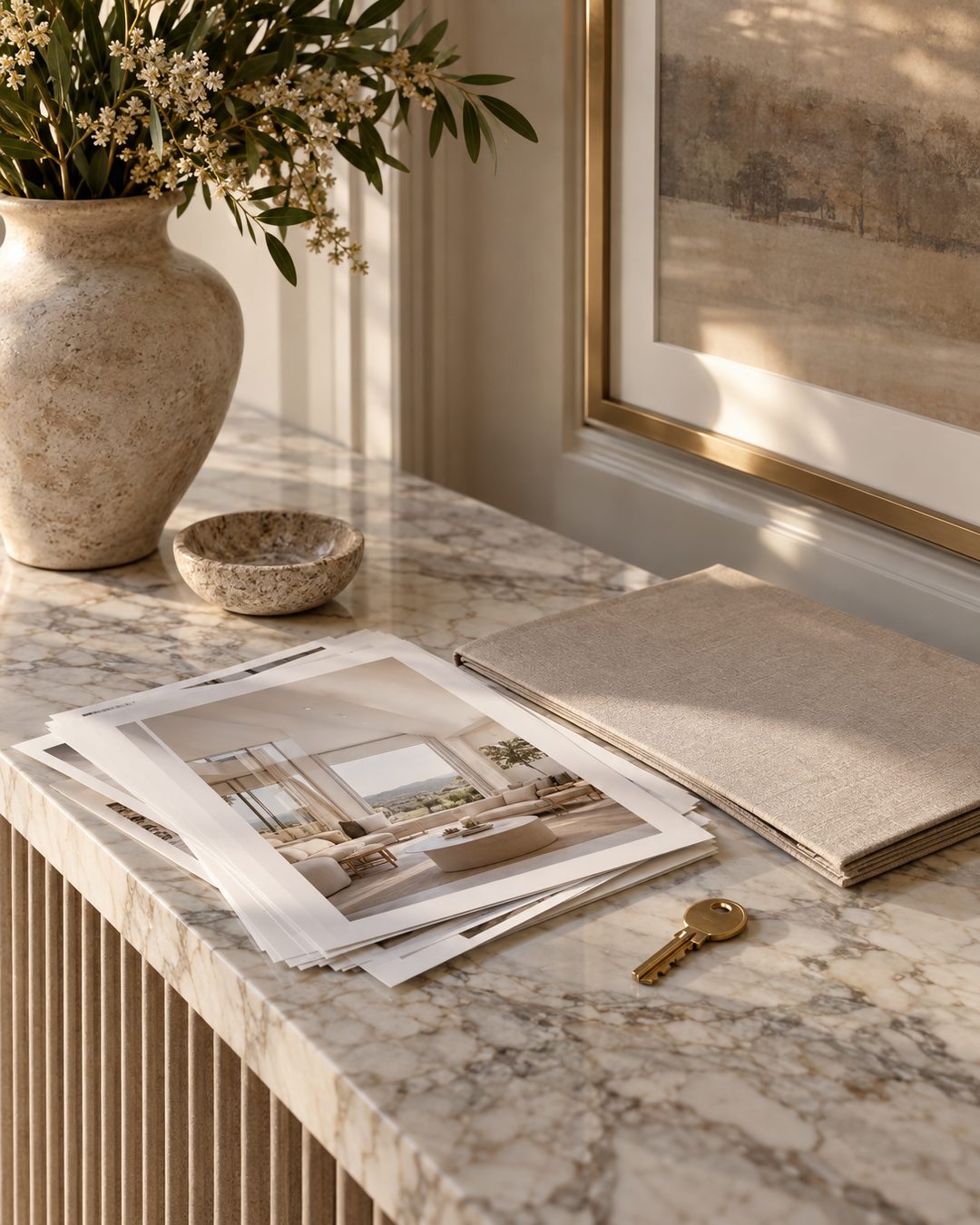
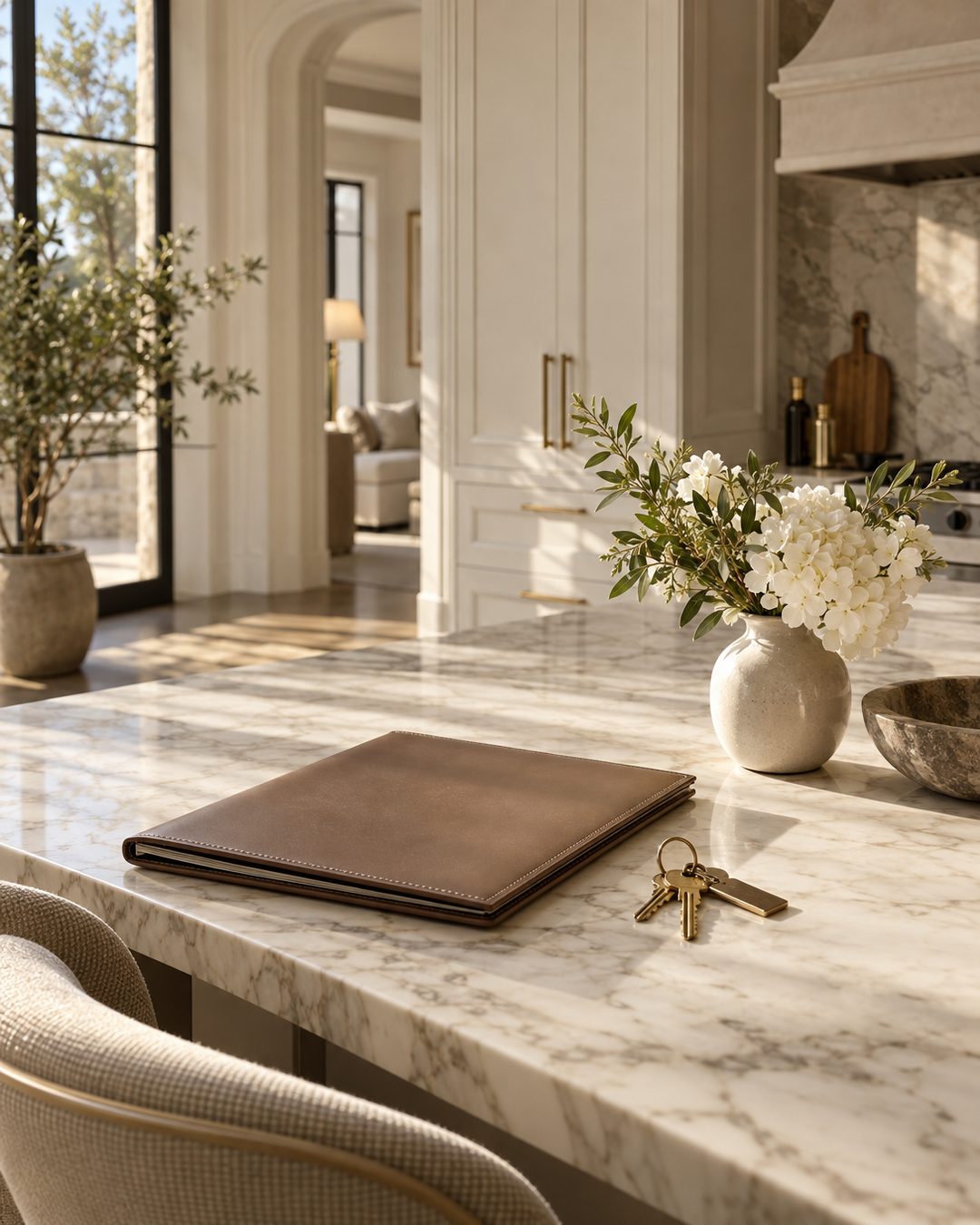
- The desk shot. Show your listing folder, a stack of contracts or the car keys on the console. People like seeing the work that happens off camera.
- The prep. Show yourself staging a corner, meeting the photographer or checking the sprinklers before an open house.
- The end of the day. Write one line: what closed, what got signed, what's next.
Stickers that start conversations
- Poll: Ask 'Open kitchen or separate dining room?' It's easy to answer, and it shows you what your followers care about.
- Quiz: Ask people to guess the list price of a home that just closed. Reveal it on the next frame.
- Question box: Try 'Ask me anything about selling in [Neighborhood].' Answer two or three over the week.
- Countdown: Use it for an open house or a listing going live. Followers can set a reminder.
- Link sticker: Point it to a listing page or your booking link. One a day is enough.
Replies to stories land in your DMs. That's where most of my real conversations start.
A 7-day story plan
Post three frames a day, about five minutes of work each. Move days around to fit your schedule.
- Monday: set up the week. A desk shot with a line on what's coming up. One market number for [Neighborhood]. A poll about a design choice.
- Tuesday: a listing. A walk-up video. One detail from inside. A link sticker to the listing page.
- Wednesday: questions. Post a question box in the morning. In the afternoon, answer one question with a short talking clip or text over a photo.
- Thursday: the neighborhood. A local spot near a listing. A short clip of the street. One line on what sold nearby recently.
- Friday: the weekend ahead. A countdown sticker for Saturday's open house. Your prep: flowers, lights, signs. A reminder of the address and time.
- Saturday: the open house. The front door when you open. A quiet detail from one of the rooms partway through. A closing line on how many groups came through.
- Sunday: look back. Answer the rest of Wednesday's questions. Post a just-sold or under-contract frame with the lesson. Save the week's best frames to Highlights.
Keep talking clips under fifteen seconds and add captions, since a lot of people watch stories with the sound off. For clips that need music, the method in best audio for real estate reels works for stories too.
Fill-in-the-blank story prompts
Keep these in the notes app on your phone. On a slow day, pick one and fill it in.
- 'The detail at [Address] nobody notices until they're standing in it: ______.'
- 'Days on market in [Neighborhood] this month: ______. What that means if you're selling: ______.'
- 'Today's lesson from a closing: ______.'
- 'Before I list a home, I always check ______.'
- 'Within walking distance of [Address]: ______, ______ and ______.'
- 'A question I got this week: ______. The short answer: ______.'
- 'This week I'm ______. Next week I'm ______.'
- 'Guess the list price. The answer is on the next frame.'
Keep the text short enough to read in two seconds. If a prompt needs more than one sentence, it's probably a feed post, and a caption formula will suit it better.
Turn stories into Highlights that keep working
Stories disappear, but Highlights stay on your profile under your bio. New visitors often tap them first, so set them up like a short table of contents.
I keep five:
- Listings: current and recent. I remove each one once it closes.
- Sold: one frame per closing, with the lesson.
- [Neighborhood]: local spots and market notes, one Highlight for each main area.
- Sellers: answers to seller questions from the question box.
- About: who I am, where I work and how to reach me.
Give your Highlights simple, matching covers in your brand colors. A plain background with one small icon or word looks cleaner than a photo. Once a month, go through each one and delete anything out of date. A just-listed frame for a home that closed in spring makes a profile look abandoned.
Keep the look consistent without extra work
People tap through stories fast, so a consistent look helps them recognize yours. Pick one pair of fonts, two colors and one spot for your text, and use them every time. With templates for just listed, just sold, open house and market update, you only have to swap in the photo and the numbers.
If you want a starting set, the free template vault has story-sized frames you can use this week.
The weekly drop takes care of your planned posts, so your five minutes of stories a day can go to what's actually happening in your market.